User guide
Screenshot walkthrough of every major screen, organised by persona. Switch the header persona to match the section you are reading.
App chrome (all personas)
Every page shares the same header: the AssayLink logo (home), a role-filtered navigation on one row, and (in the POC) the Role switcher on the right. The dropdown shows the role; hover for the demo user’s name. Changing it switches immediately. Links you are not allowed to use simply do not appear — and typing a forbidden URL shows a clear “not permitted” page.
Assay Definition Owner
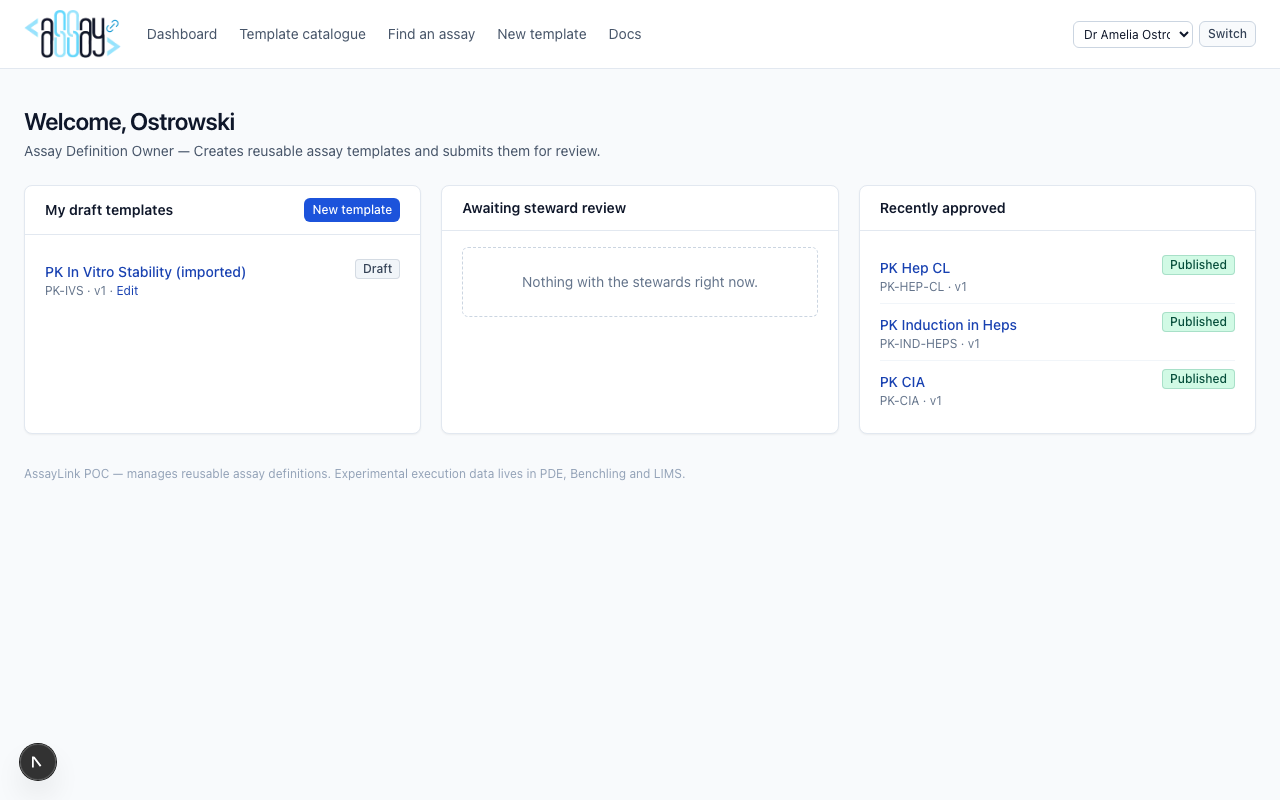
Demo user: Dr Amelia Ostrowski. Creates and maintains templates through review.
Dashboard
Three columns: My draft templates, Awaiting steward review, and Recently approved. Drafts offer an Edit shortcut.
Template catalogue
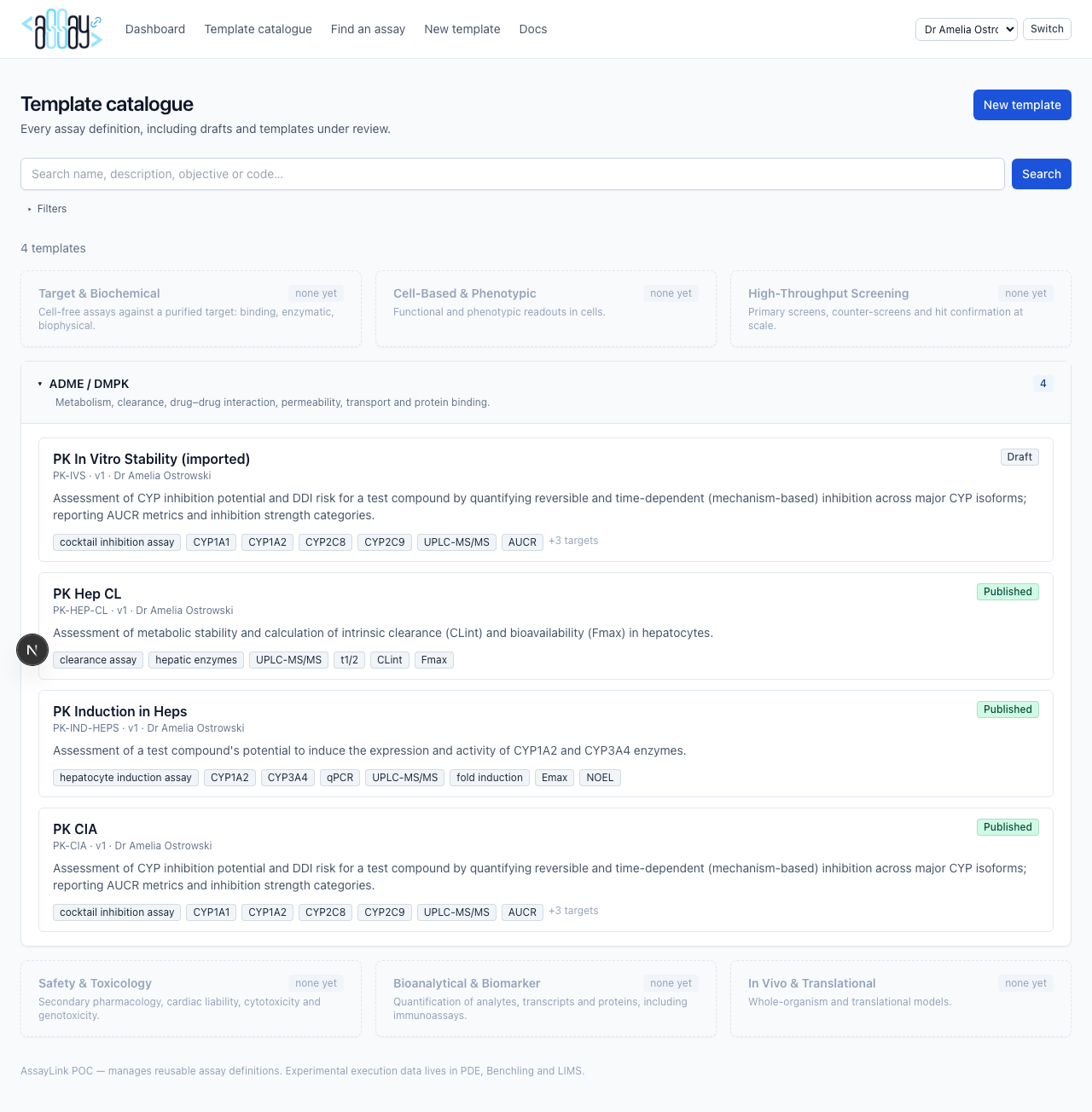
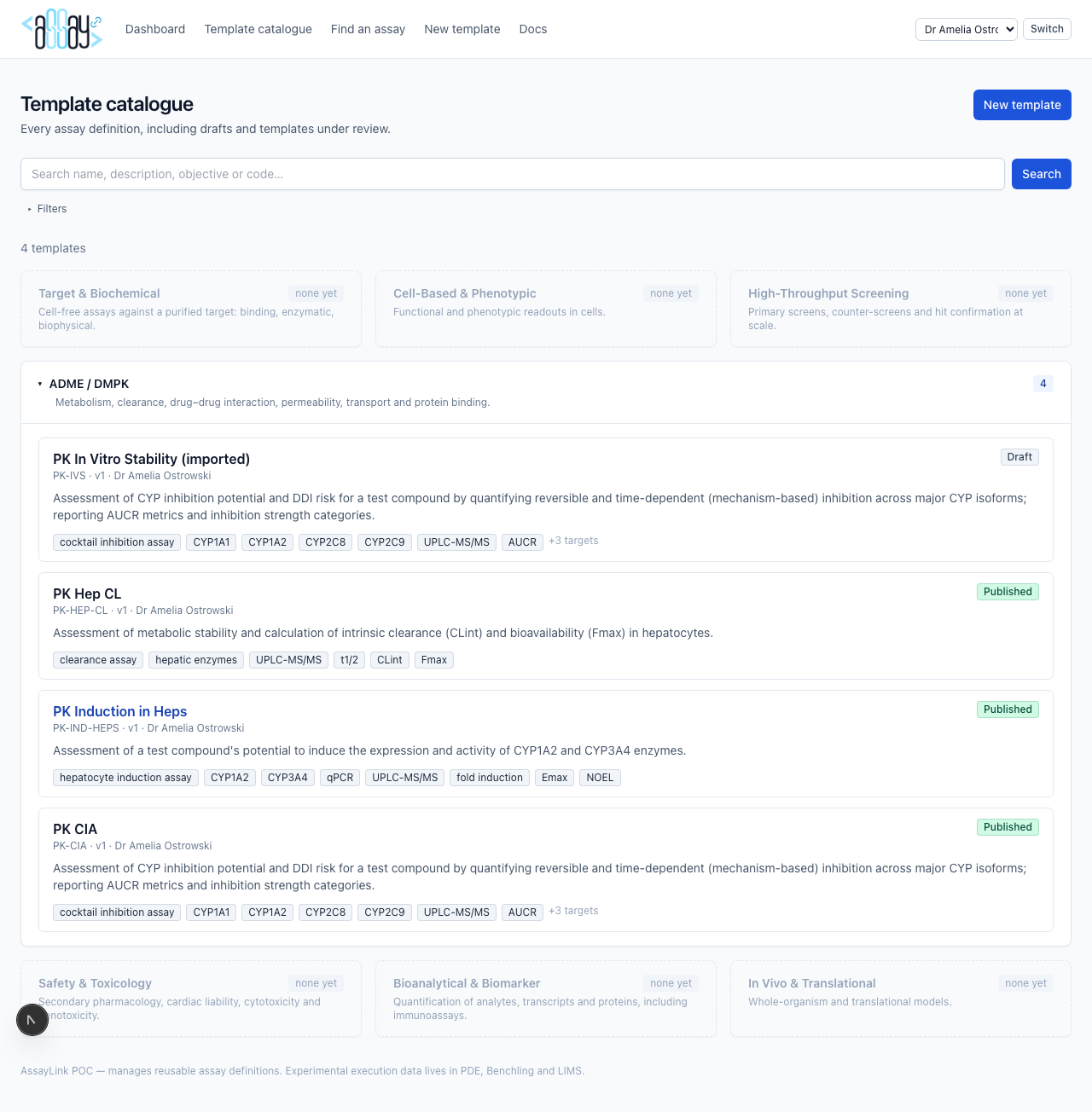
Templates are grouped into functional areas (ADME / DMPK is populated; HTS, Safety, In Vivo tiles are greyed placeholders for future scope). Open a group to see templates; filters sit at the top.
Template detail
Shows metadata, status, versions, review history, the Metadata Quality Score, and actions (submit, edit draft when allowed). Vocabulary-backed values render as governed terms. AssayLink does not show experimental result values.
Authoring wizard (new template)
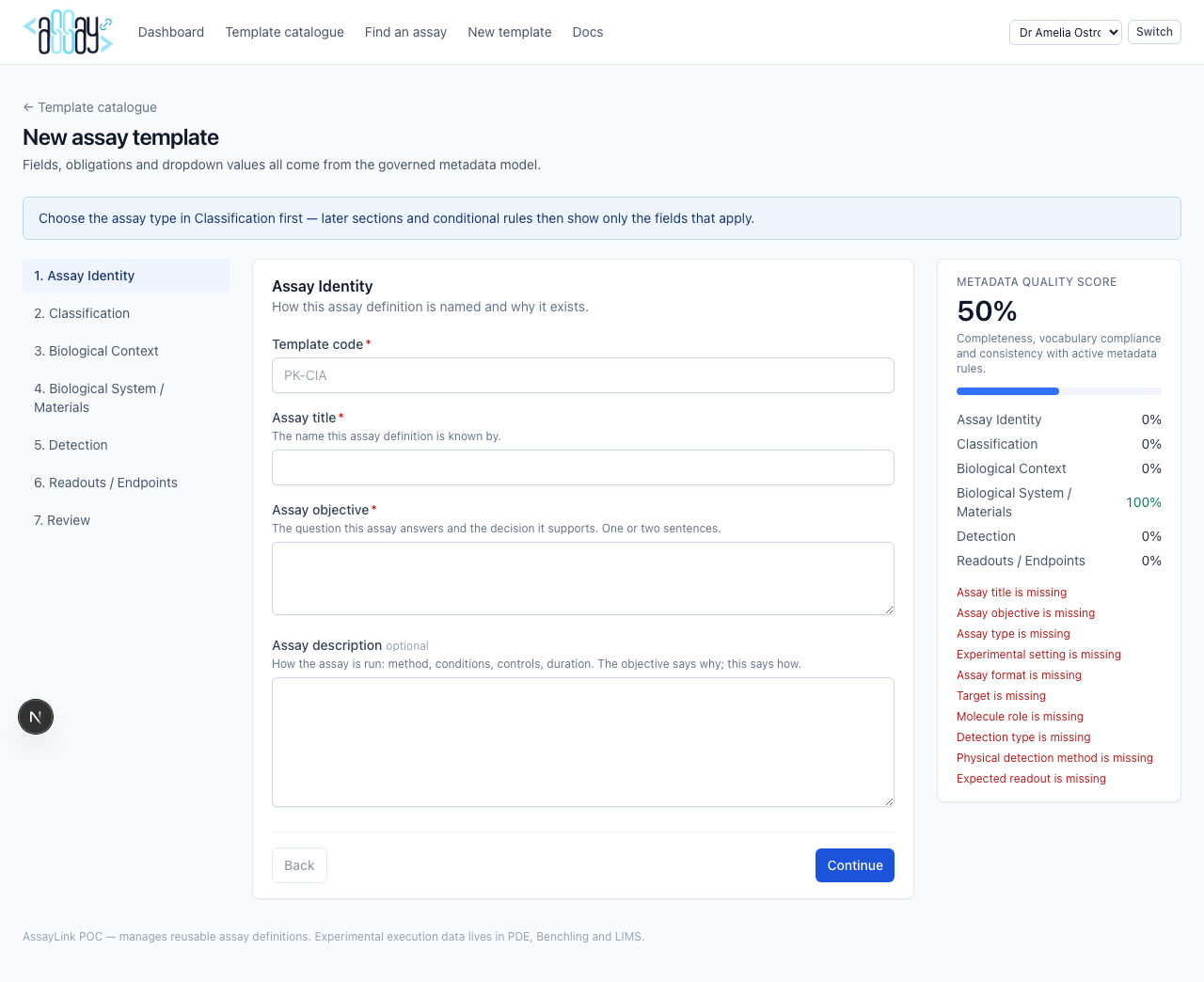
A metadata-driven wizard paged by steward-configured sections
(Assay Identity, Classification, Biological System / Materials, Detection,
Readouts / Endpoints, …). Fields, obligation and dropdown values come from
MetadataFieldDefinition; conditional rules show or require extra
fields (for CYP induction: Target, Cell System, Species, Detection Type).
Expected readouts are vocabulary categories, not measured values. A
Metadata Quality Score updates as you fill. Hierarchy fields
use the vocabulary tree; AI autofill (when enabled) is visibly marked as
suggested until accepted.
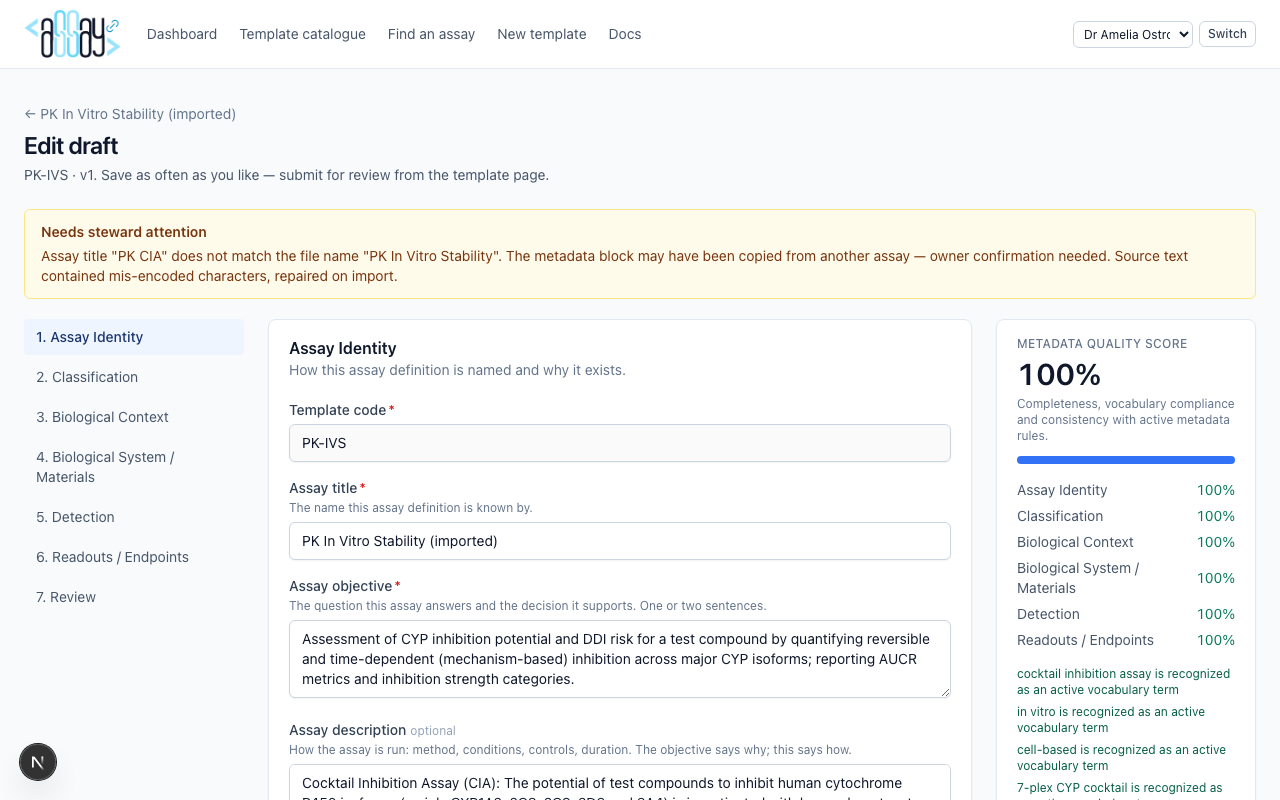
Edit draft
Owners can reopen drafts and “changes requested” versions. The template code is locked; metadata remains editable until submission.
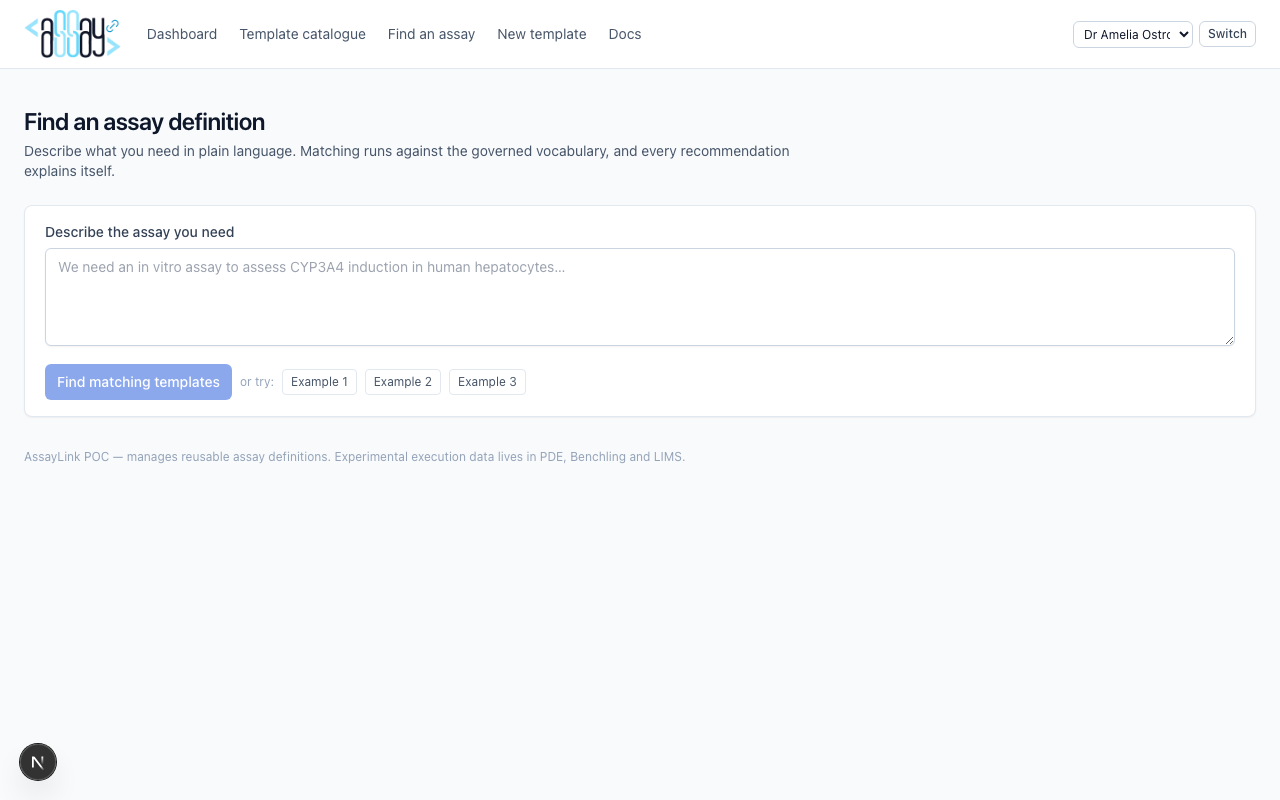
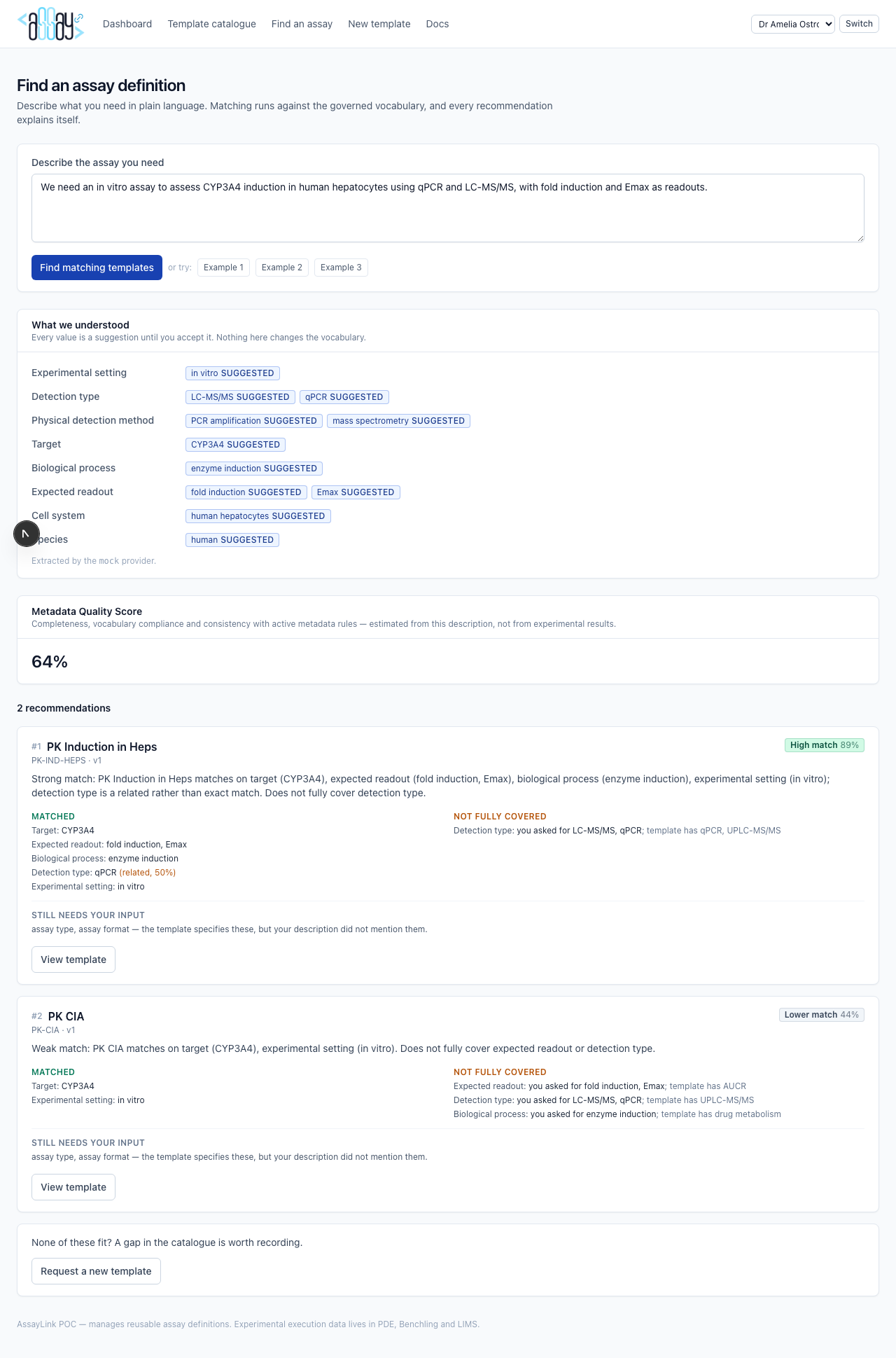
Find an assay (matcher)
Describe an assay need in free text. The system extracts metadata (rule-based, optionally merged with an LLM), scores published templates, explains each match field by field, and names fields that active metadata rules still require. A Metadata Quality Score estimate is shown from the description — not from experimental results.
Data Steward
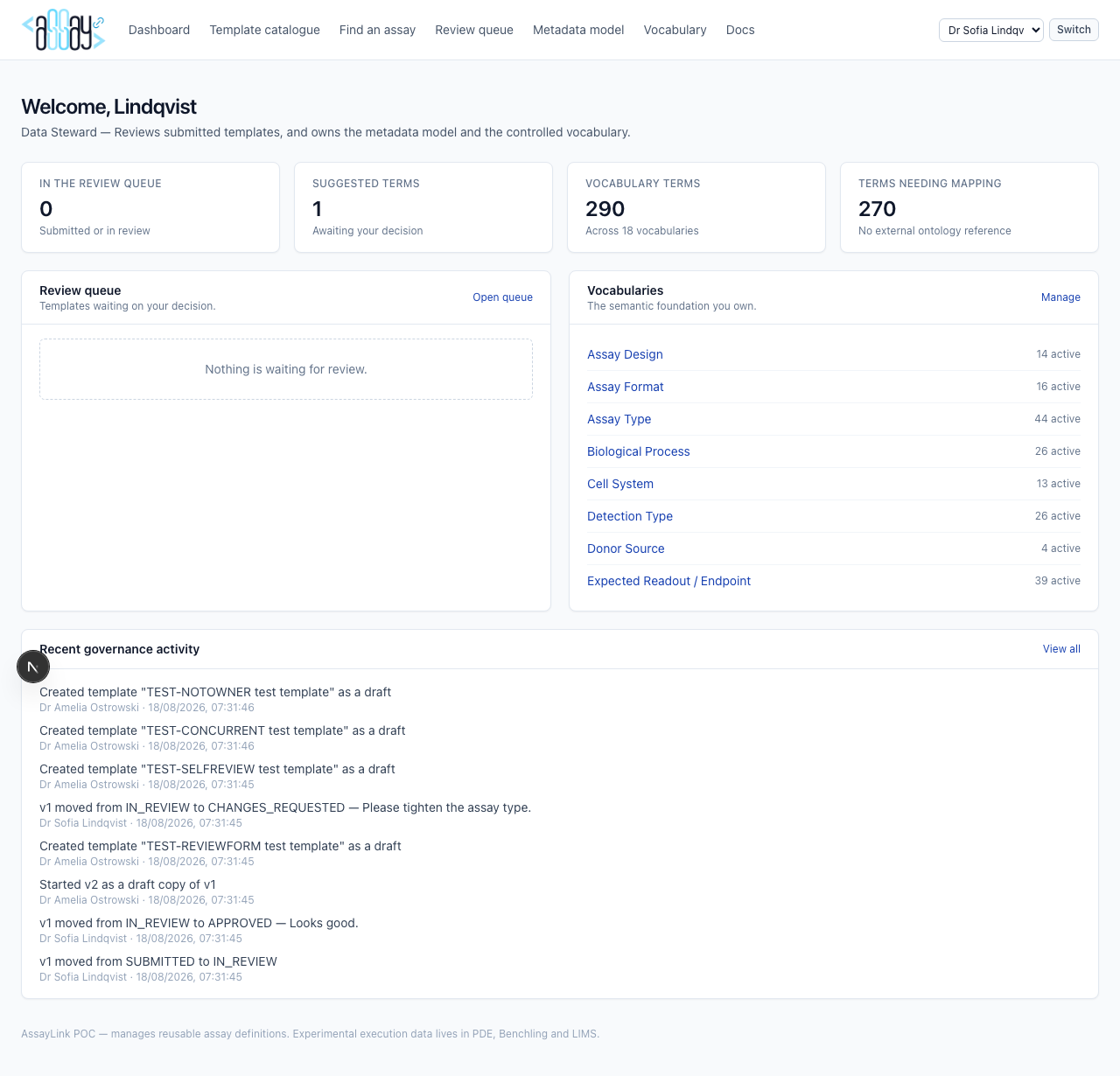
Demo user: Dr Sofia Lindqvist. Reviews templates and owns the semantic foundation (model + vocabulary).
Dashboard
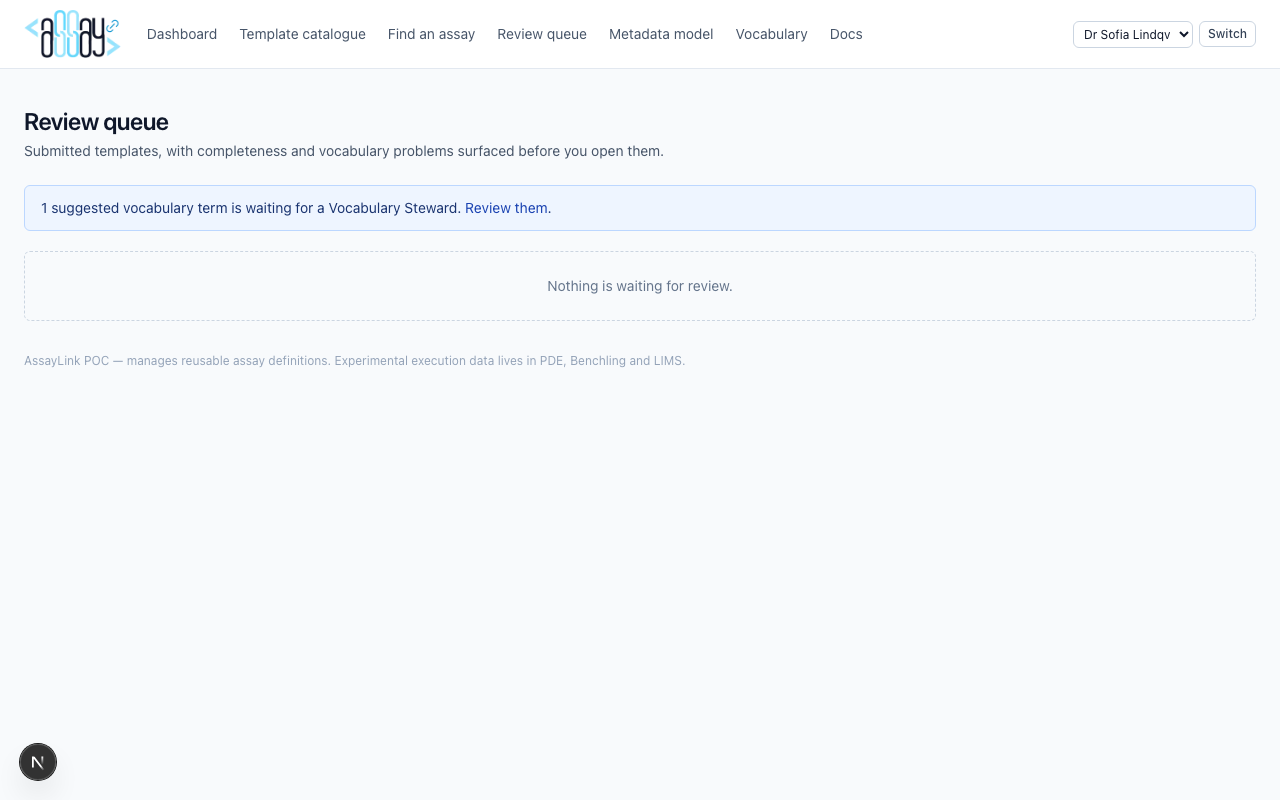
Review queue
Lists submitted / in-review templates with the Metadata Quality Score (missing required fields, ungoverned values, rule warnings). Open a template to approve, reject, or request changes with comments and optional per-field notes.
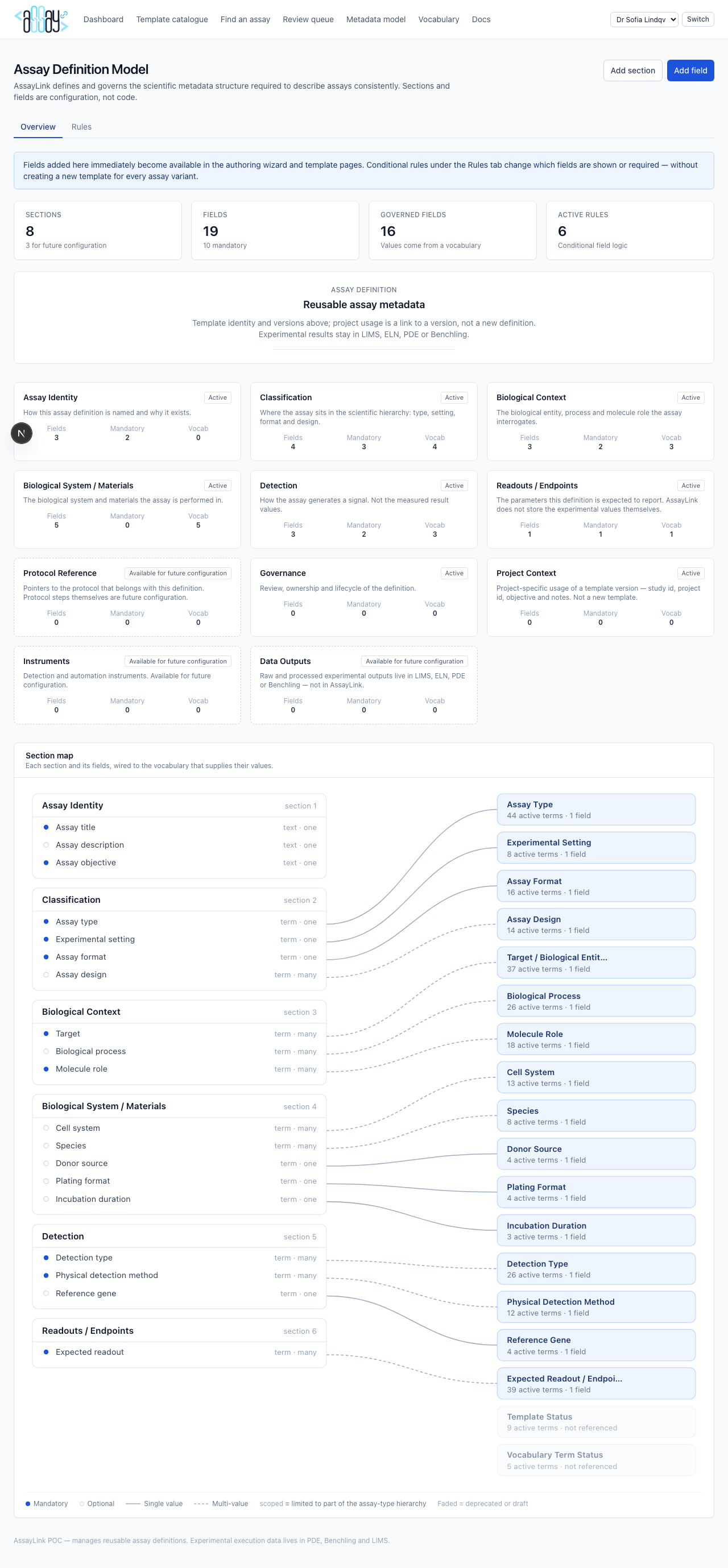
Assay Definition Model
A field is one piece of information an assay definition captures — “Assay format”, “Species”, “Target”. Fields sit in steward-named sections (including Biological System / Materials). This screen is what the authoring wizard is generated from.
The knowledge model shows Assay Definition → sections → vocabularies → rules → quality. Section cards sit below. The field and vocabulary map shows scientific sections and fields on the left, vocabularies on the right, connectors for governed values. Conditional rules live under the Rules tab and the Conditional Rule Map.
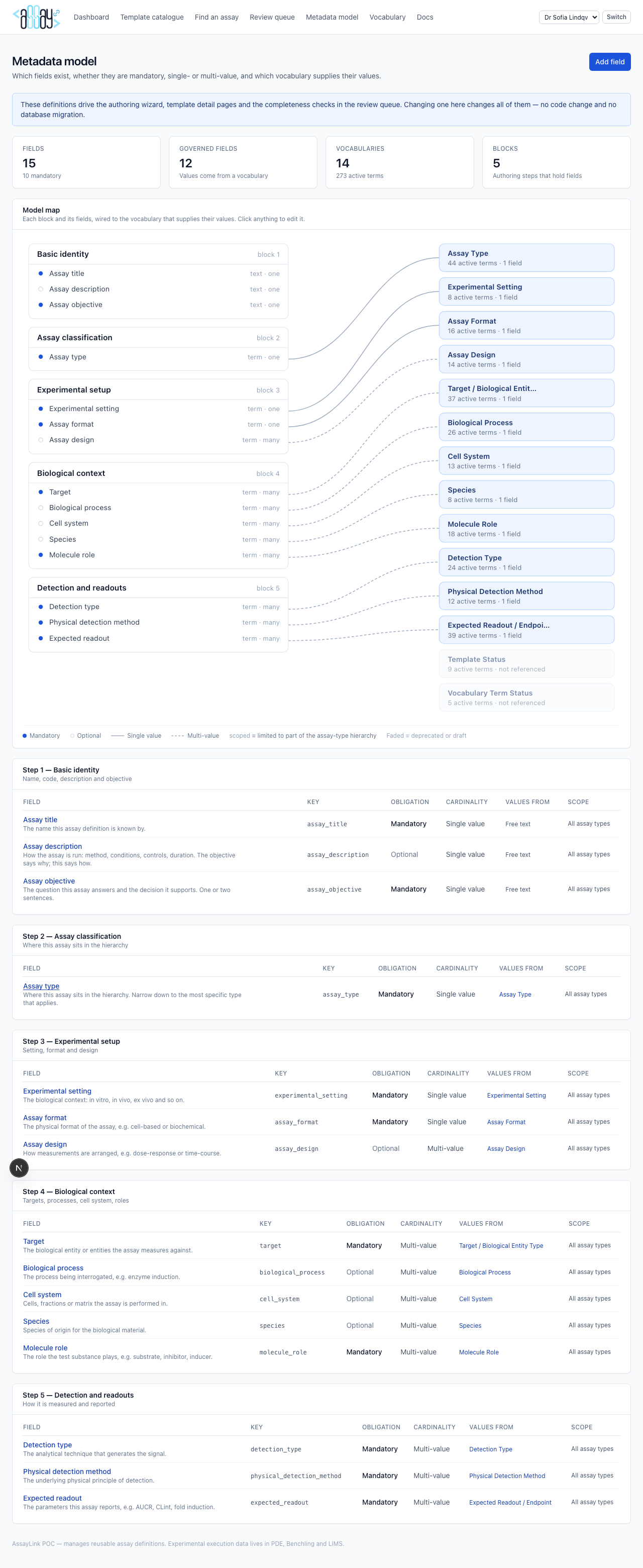
Adding a field. Inputs marked * are required. The two
settings that decide how the field behaves are:
-
Data type —
TERMmeans values must come from a governed vocabulary, so a vocabulary must be selected and the input type must be aSELECT,MULTISELECTorHIERARCHY_SELECT. Anything else (STRING,NUMBER, …) is entered freely. - Section — which part of the assay definition model shows the field (for example Biological System / Materials). Fields added here immediately appear in the authoring wizard.
Retiring a field. Deprecate is the governed route: authors stop being offered the field, existing template values are kept so history stays readable, and the rules become read-only until the field is reactivated. Delete is only offered when no template has ever held a value for the field — it removes a mistyped or experimental field outright, and the audit entry survives the deletion.
Leave Applies to assay types unticked and the field applies to every assay type. Tick a branch and it only appears once an author selects that assay type or one beneath it — which is why a newly scoped field can look missing in the wizard until the assay type is chosen.
Conditional rules. Under the Rules tab, a steward writes when/then logic over field keys. The CYP induction rule is the demo: when Assay Type is CYP induction or a more specific type, require Target, Cell System, Species and Detection Type, and restrict Expected Readout to Fold Induction, Emax and NOEL. Hide / make-optional stay secondary. Rules never collect experimental numbers.
Vocabulary
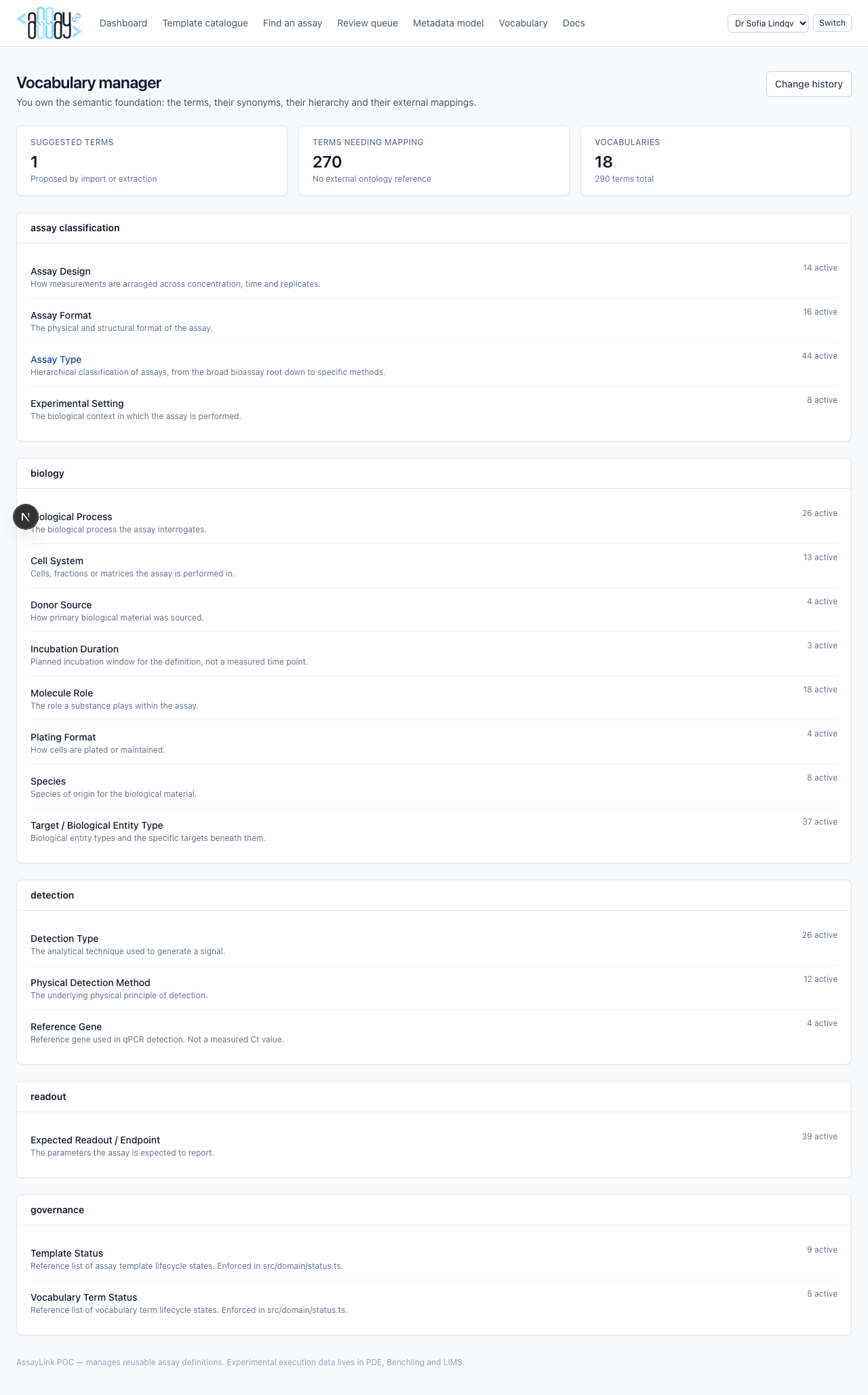
Browse vocabularies, open a vocabulary to manage terms, synonyms, hierarchy and ontology mappings. Deprecate carefully; never delete history that templates rely on without a steward decision.
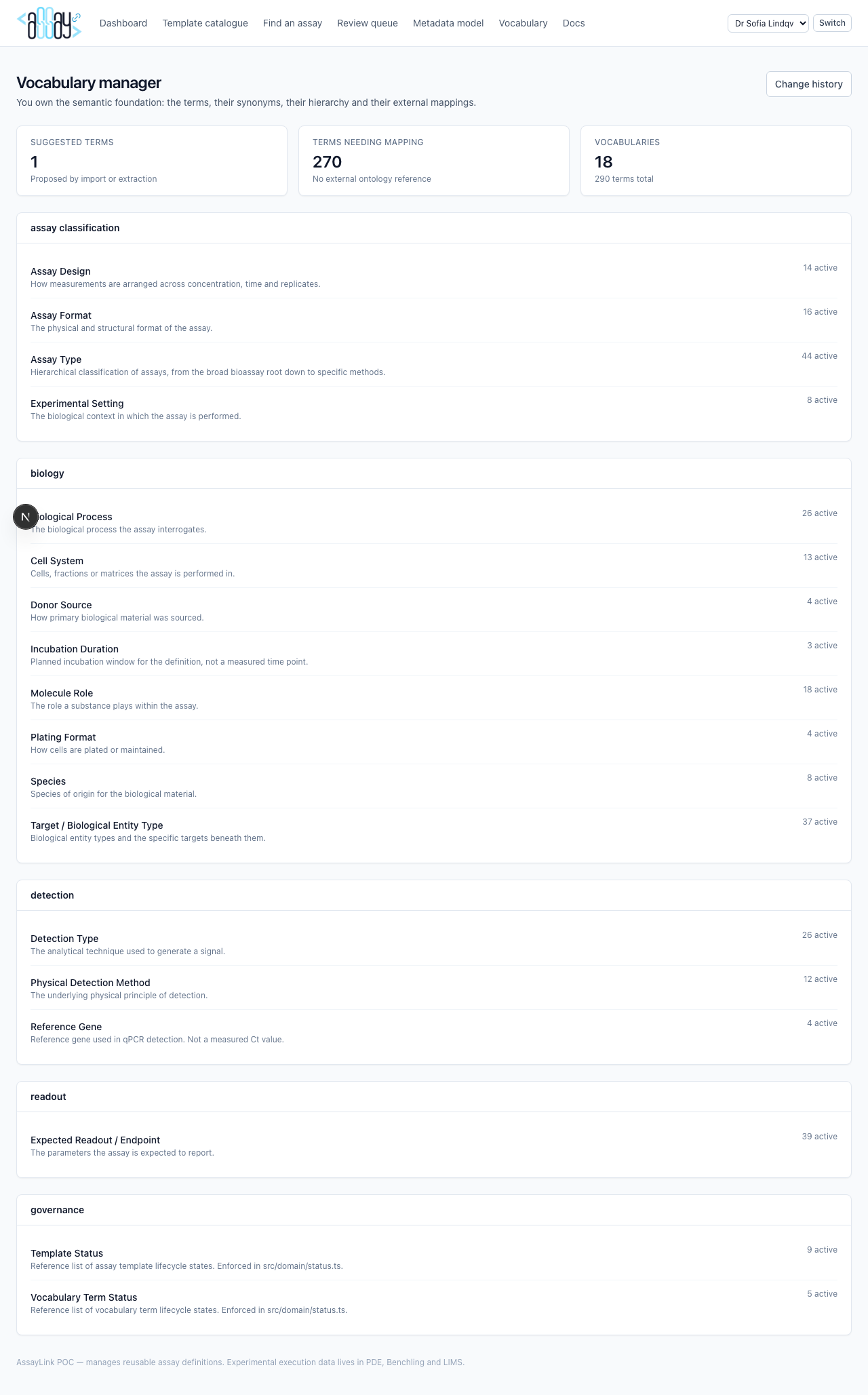
Suggested terms
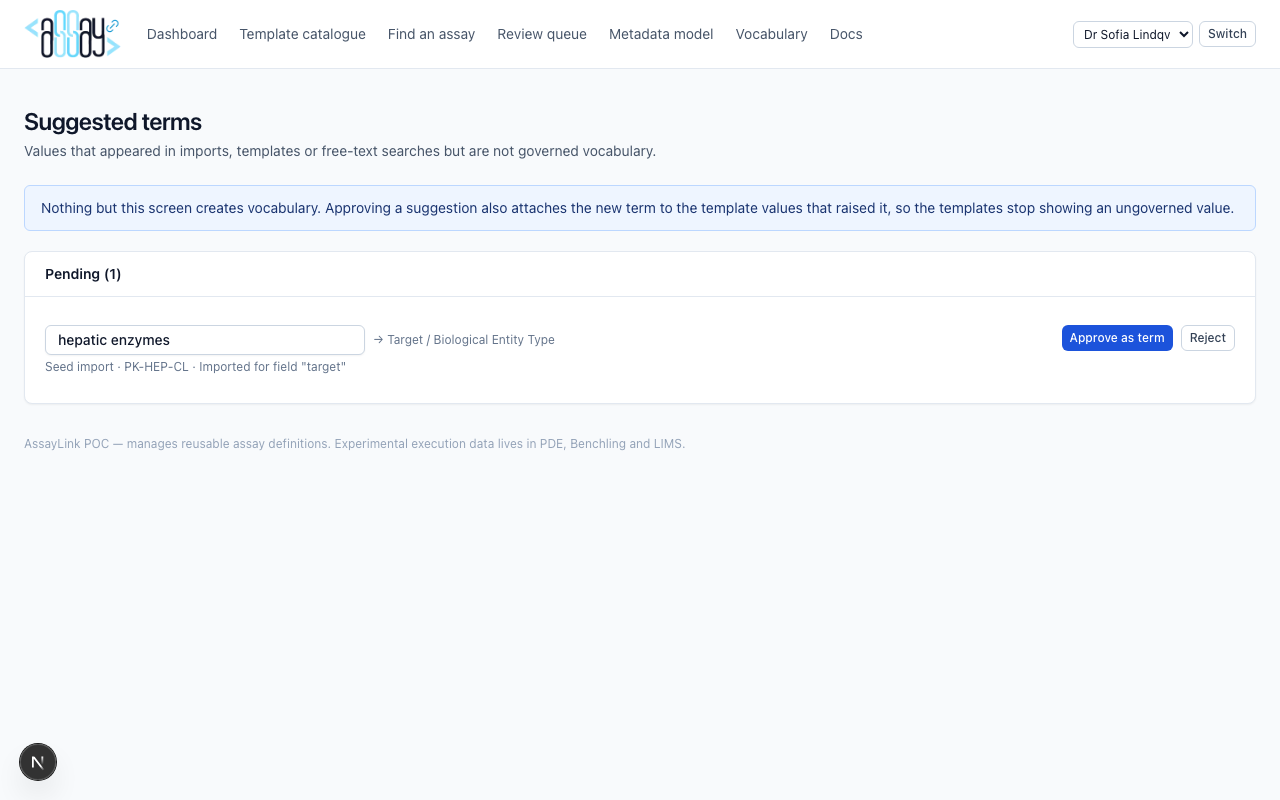
AI and users may propose labels that are not yet governed. Only a steward can approve them into an active vocabulary term. This is the single gate for growing the terminology.
Change history

Project Team Member
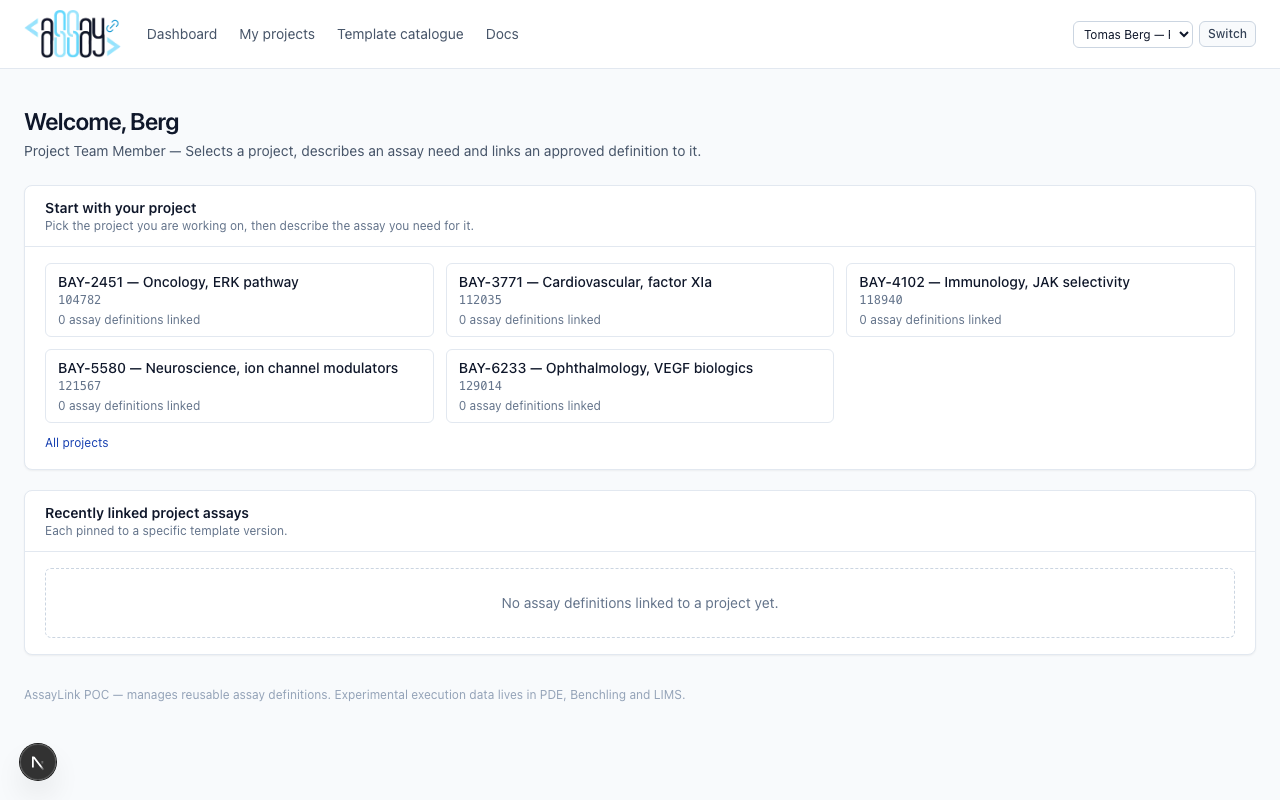
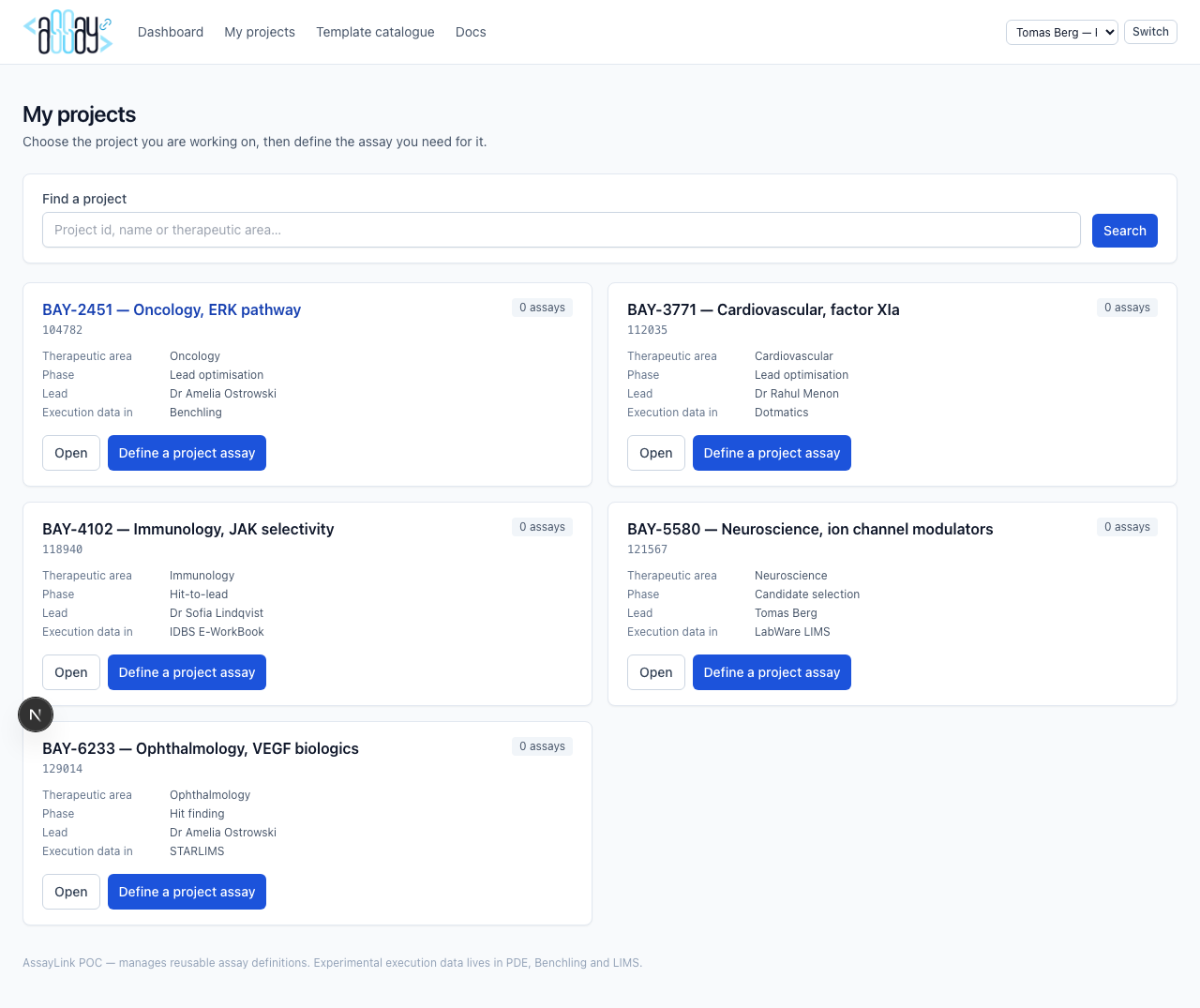
Demo user: Tomas Berg. Starts from a MaRLay project (six-digit id), not from a blank matcher.
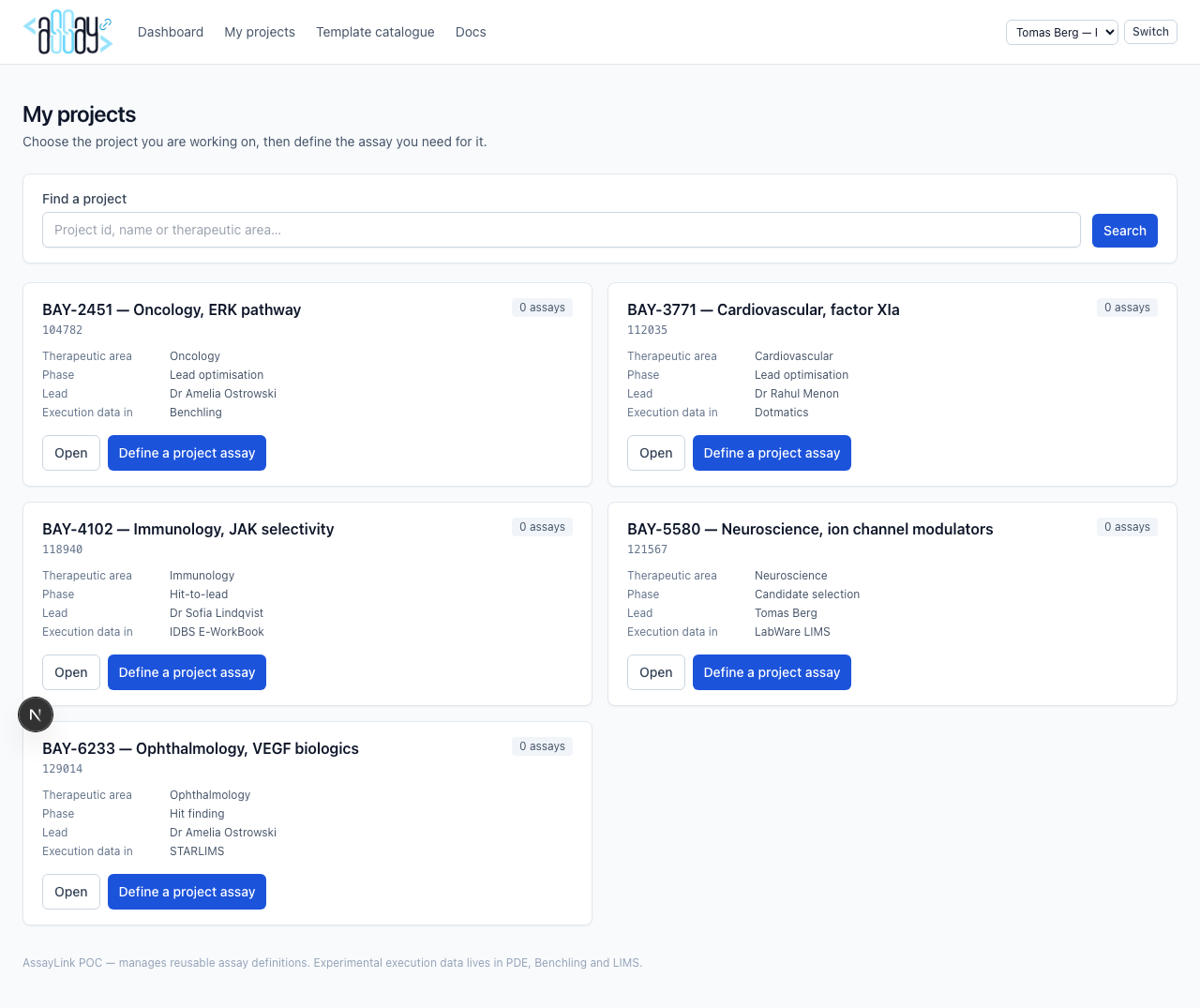
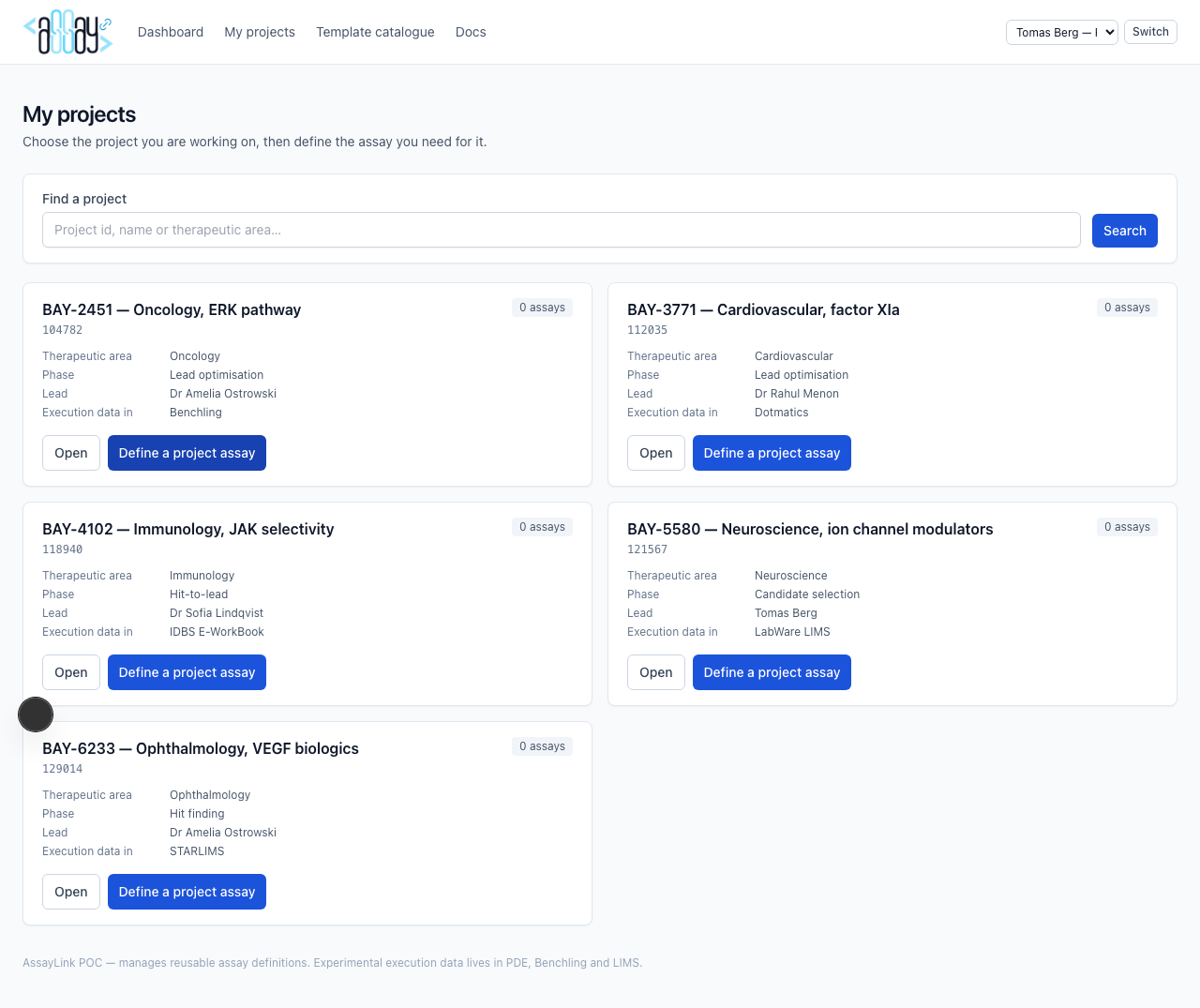
Dashboard and project list
Project detail and define assay
Open a project to see linked assays. “Define” starts a need description (high-level type + short text), runs matching pinned to that project, then lets you link a template version and add project-specific context.
Shared: catalogue and templates
All personas can browse the catalogue and open published templates. Creating, reviewing, and model edits remain role-gated.
Role gates
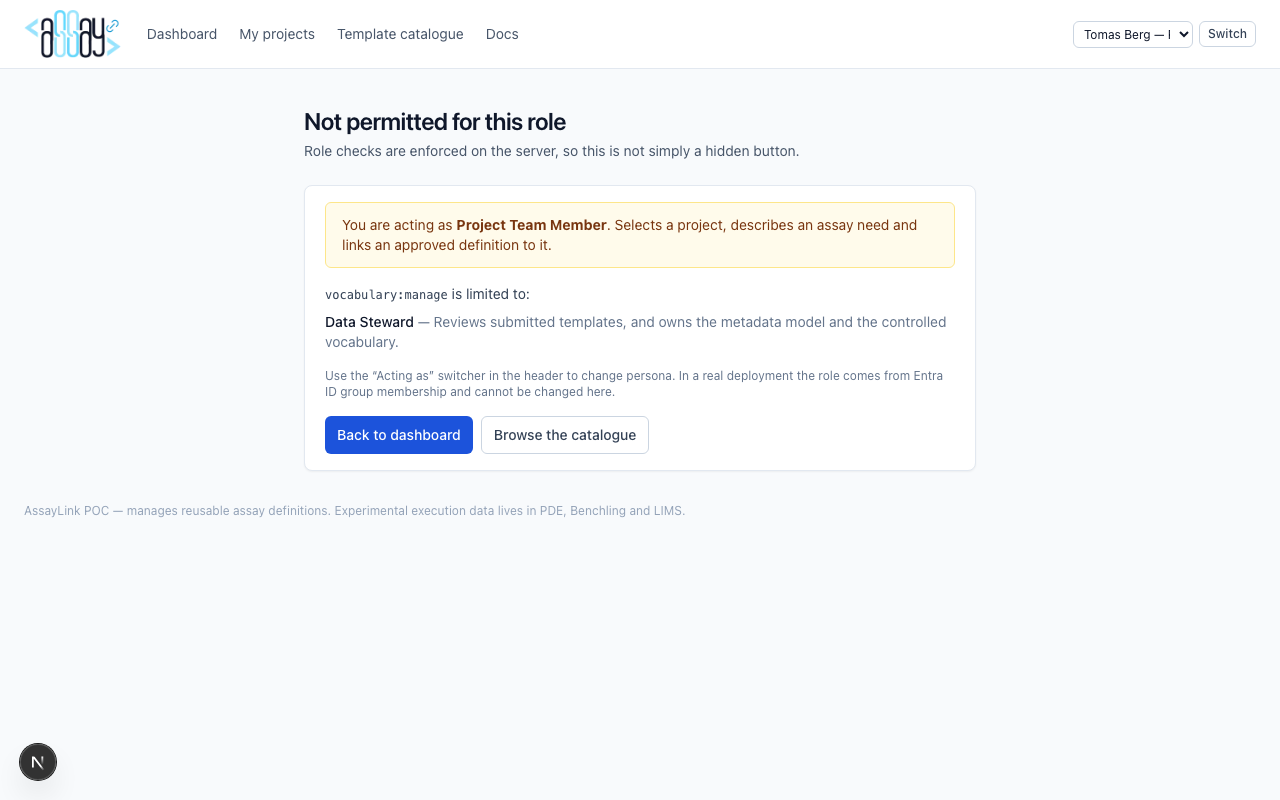
If you open a URL your role cannot use, AssayLink shows a clear forbidden page naming the capability and which role holds it.
Typical end-to-end scenarios
- Author → review → publish: Owner creates a draft → submits → Steward reviews with comments → approves → Owner (or process) publishes / versions as needed.
- Discover & link: Project member picks MaRLay project → describes need → selects recommended template → adds project fields → link.
- Govern terminology: Matcher or author surfaces an unknown label → Suggested Term → Steward activates synonym or new term → future matches improve.
- Evolve the model: Steward opens Assay Definition Model → changes a section, field or rule → wizard and Metadata Quality Score update immediately.